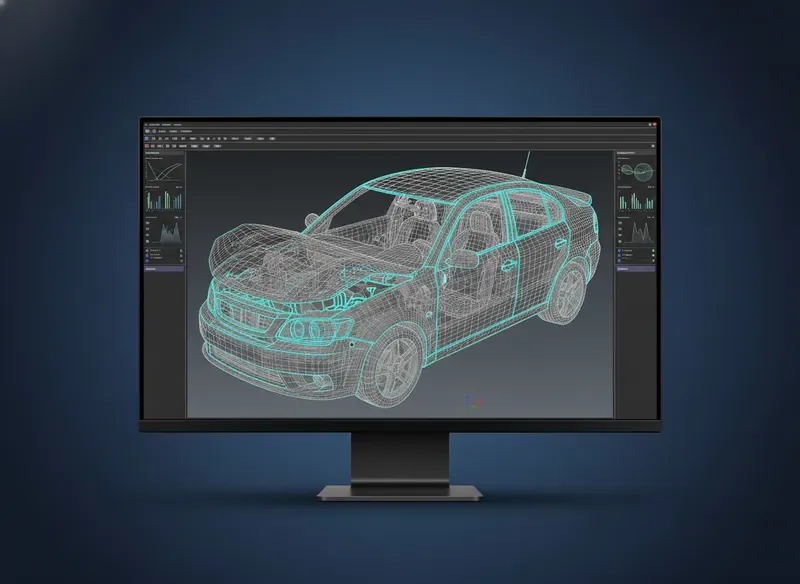
Transforming LS-DYNA Workflows with Automated Reverse Engineering

Every LS-DYNA engineer knows the struggle: inheriting a complex simulation deck with missing geometry, undocumented connections, or outdated parameters. The hours spent manually reconstructing models from solver input decks are not just tedious — they steal time from actual engineering analysis and innovation.

Our new capability was built specifically to solve this. By automatically reconstructing fully parametric CAD surfaces and connection logic directly from keyword files, d3VIEW eliminates the most painful step in simulation reuse. Whether you are a seasoned analyst or a junior engineer onboarding a legacy project, this feature gives you back the hours you used to lose.

d3VIEW reverse engineering software reconstructing LS-DYNA simulation model with highlighted parametric surfaces
Automated geometry reconstruction from keyword input decks

Engineering Insights for LS-DYNA Teams

Three critical areas where simulation workflows break down — and how d3VIEW creates measurable clarity.

Common Pain Points in LS-DYNA Result Review

LS-DYNA engineers often spend hours manually sifting through massive result files, cross-referencing d3hsp outputs, and reconciling discrepancies between simulation runs. The fragmentation of data across multiple directories and the lack of a unified review interface lead to missed insights and delayed project timelines. Teams report that up to 40% of their post-processing time is consumed by data wrangling rather than actual engineering analysis.

Without a centralized platform, version control becomes a manual chore, and critical correlations between load cases remain hidden. The result is a reactive workflow where engineers chase errors instead of optimizing designs proactively.
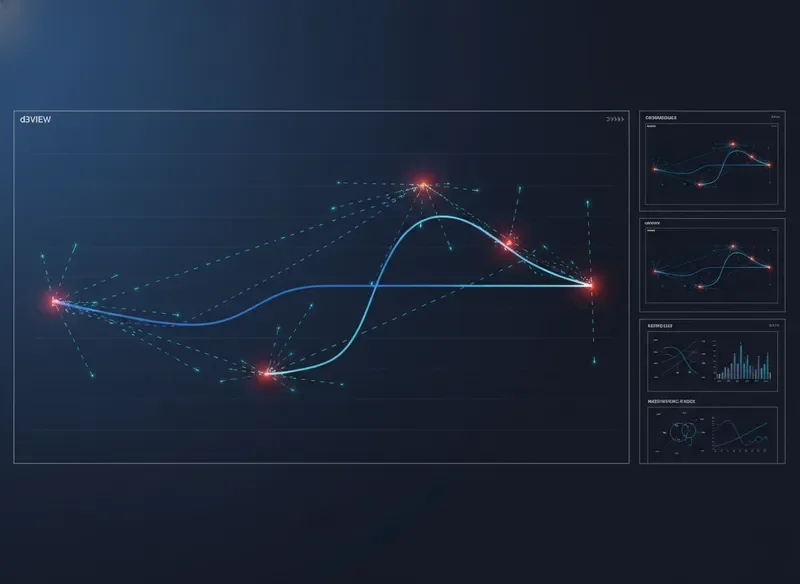
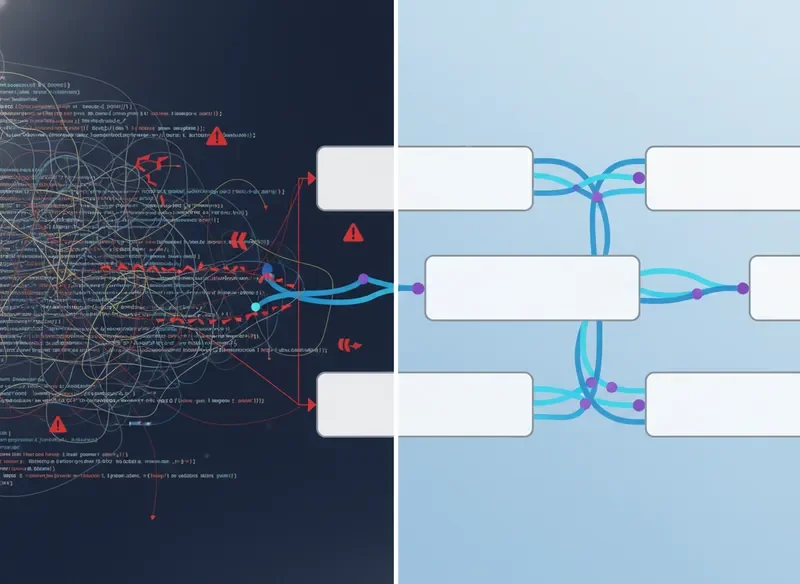
LS-DYNA result review dashboard showing fragmented data streams
Fragmented data streams before d3VIEW unification

How Data Extraction Typically Slows Teams

Traditional data extraction from LS-DYNA binary databases requires custom scripting, often in Python or MATLAB, which introduces bottlenecks when scripts break between solver versions or when new engineers join the team. The learning curve for these proprietary extraction tools creates a single point of failure — when the script author is unavailable, the entire analysis pipeline stalls.

Furthermore, extracting meaningful metadata from thousands of simulation runs demands significant computational overhead and manual curation. Teams find themselves maintaining brittle, homegrown toolchains that drain resources away from core reverse engineering software objectives and design validation.

Comparison of manual script-based extraction vs automated d3VIEW pipeline
Manual scripting bottlenecks vs automated extraction

Where d3VIEW Creates Measurable Clarity

d3VIEW addresses these challenges by providing a unified, web-based environment where LS-DYNA results are automatically ingested, indexed, and visualized. Engineers can instantly compare runs, overlay response curves, and generate standardized reports without writing a single line of code. The platform's intelligent metadata extraction ensures that every simulation is searchable and auditable, transforming raw data into actionable engineering intelligence.

By replacing fragmented toolchains with a single source of truth, d3VIEW reduces post-processing time by up to 60%, allowing engineering teams to focus on what matters most: delivering validated, high-performance designs. This clarity extends beyond individual analysis — it creates a collaborative knowledge base that scales across the entire organization, embodying the principles of modern software engineering institute best practices.

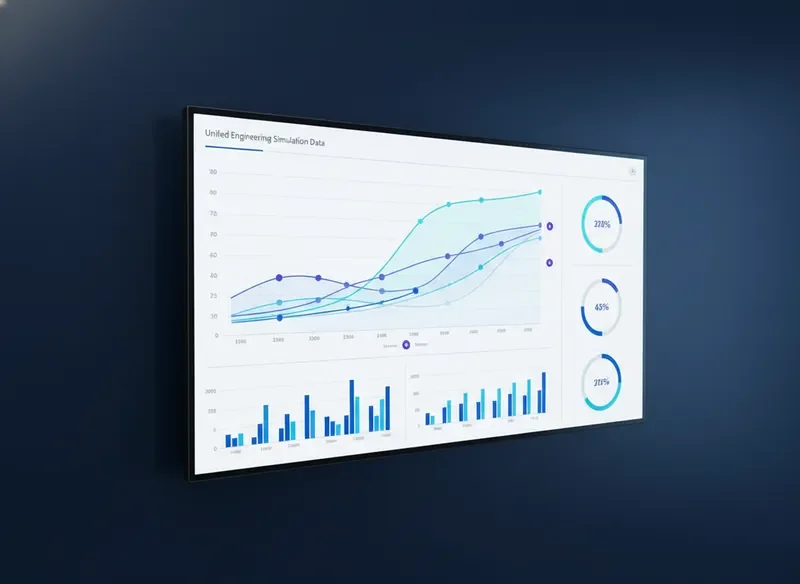
d3VIEW unified analytics dashboard showing clear simulation comparisons
Unified clarity with d3VIEW's automated pipeline

Manual Review vs. Streamlined Extraction

Transform your LS-DYNA simulation workflow with automated data extraction and intelligent interpretation, designed specifically for the modern reverse engineering software engineer.

Conventional

Manual Data Sifting

Engineers spend hours manually parsing raw simulation dumps, scrolling through endless ASCII files to locate critical result sets.

Spreadsheet Reconstruction

Data is manually copied into Excel or MATLAB, introducing transcription errors and breaking the traceability chain back to the solver.

Delayed Interpretation

Correlating results with design changes takes days, delaying critical engineering decisions and slowing the entire development cycle.

d3VIEW Platform

Automated Extraction

The platform directly connects to LS-DYNA binary databases, instantly pulling every result curve, contour, and time-history without manual intervention.

One-Click Reporting

Generate interactive HTML reports and PowerPoint-ready summaries directly from the solver data, maintaining full traceability from post-processing to presentation.

Instant Insight

Built-in curve comparison and automated metric extraction let you validate design changes in minutes, accelerating the path from simulation to decision.

Explore the Feature

See the Platform in Action

Explore how d3VIEW transforms complex simulation data into actionable engineering insights. These annotated views walk you through the workflows that every LS-DYNA engineer can leverage for faster, more accurate results.

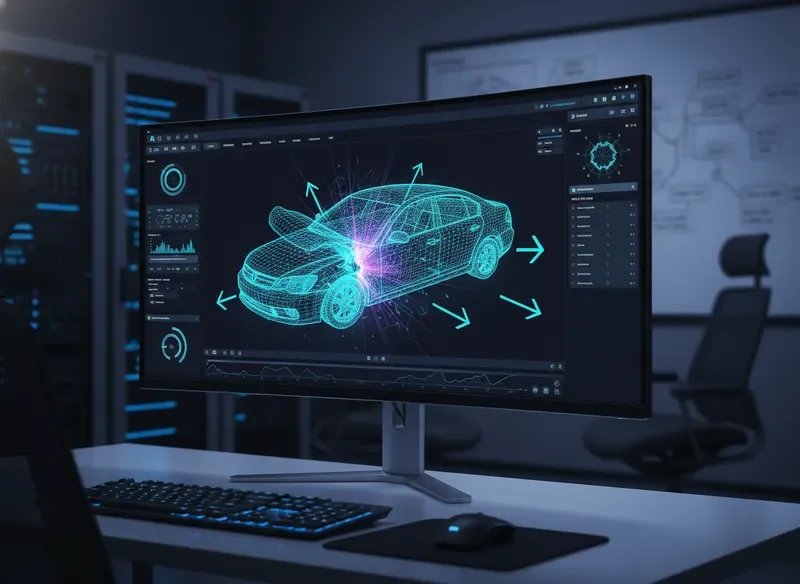
Annotated LS-DYNA simulation view in d3VIEW showing vehicle crash analysis with data callouts

Comprehensive crash analysis with real-time stress mapping and automated report generation directly from solver output.

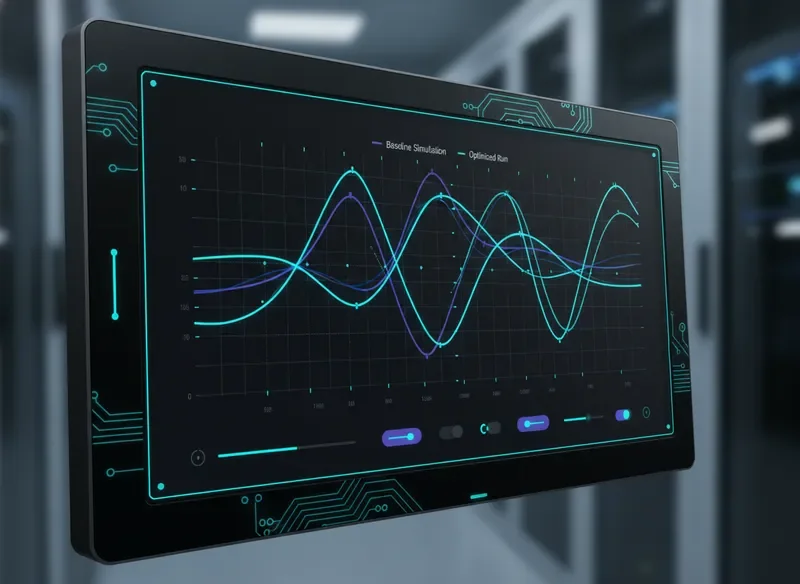
Interactive 2D result interpretation graphs comparing simulation runs in d3VIEW

Compare baseline and optimized runs side-by-side with interactive curve overlays.

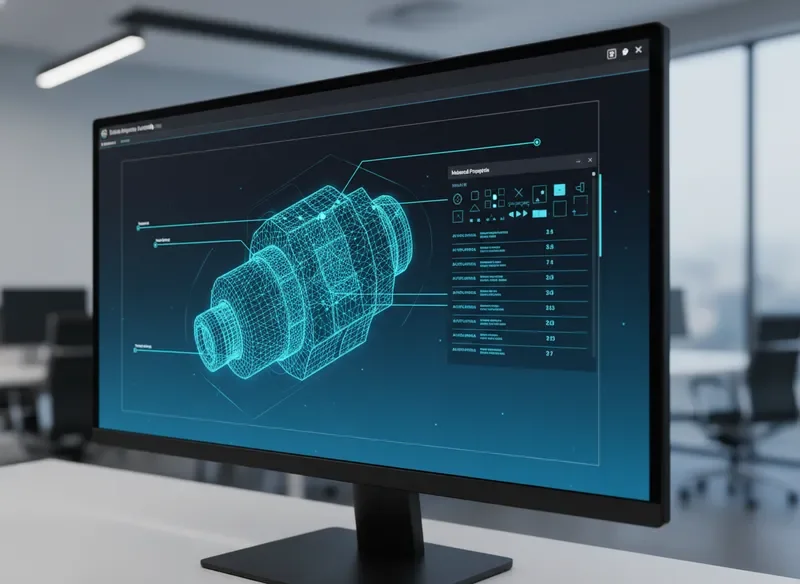
Annotated product view in d3VIEW showing component mesh and material data

Inspect mesh quality and material assignments with integrated data tables for complete traceability.

Ready to Transform Your LS-DYNA Workflow?

Explore our dedicated feature page for a deep technical walkthrough, or join one of our live webinars to see the platform in action alongside the d3VIEW engineering team.